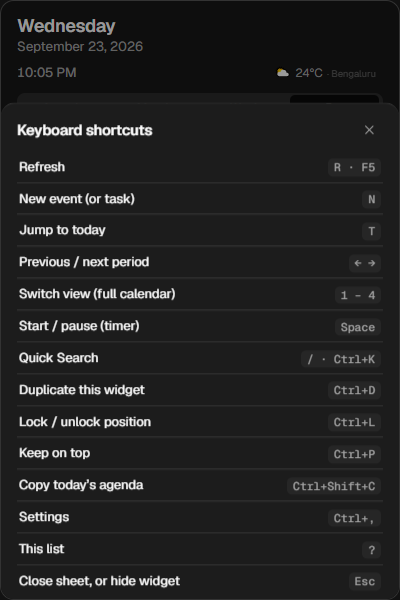
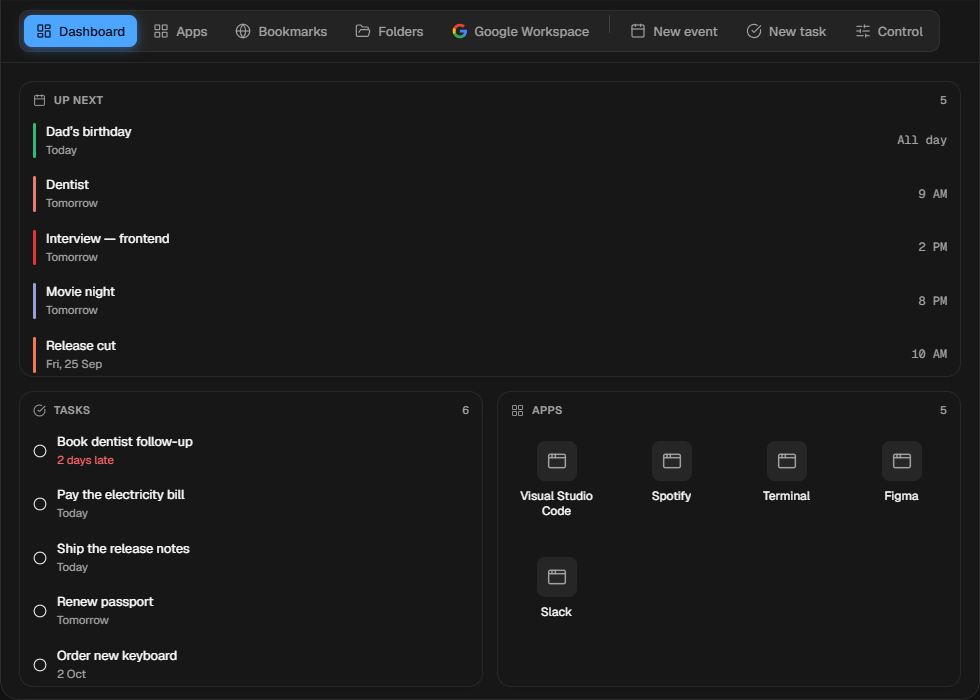
Press ? on any widget
Every shortcut, one sheet away. CtrlEnter saves whatever you are editing.
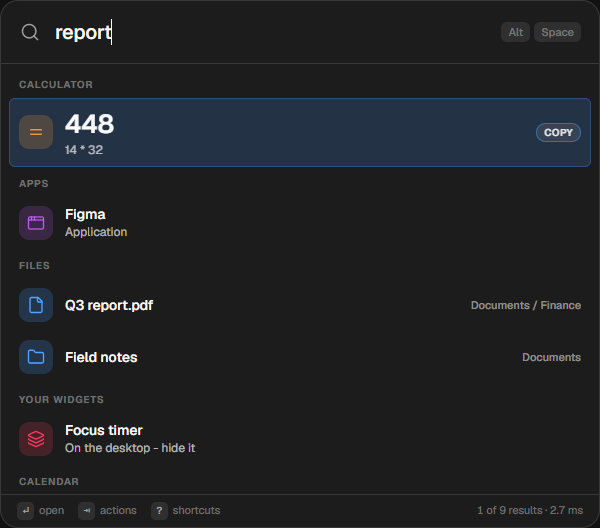
Press Alt Space and type anything — an app, a file, a sum, “lunch with Sam friday 1pm”. Kord answers, and 68 widgets keep your day on the desktop where you can see it.
Windows 10 & 11 · 64-bit · no account needed · no analytics
Quick Search
Apps, files, folders, calendar, tasks, notes, clipboard and Windows settings — ranked together as you type. It answers sums and unit conversions inline, searches 100+ sites with a prefix, and turns a plain sentence into a finished calendar event.
Widgets
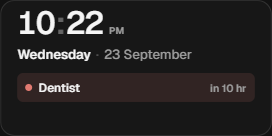
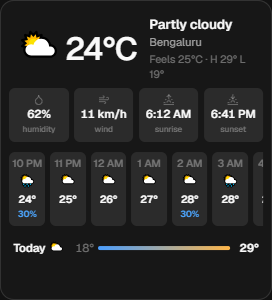
Calendar views that sync with Google, tasks and habits, timers, weather, world clocks, system and network meters, a kanban board, notes, converters and developer tools. Drag them anywhere, resize with Ctrl + scroll, lock them in place, keep them on top.
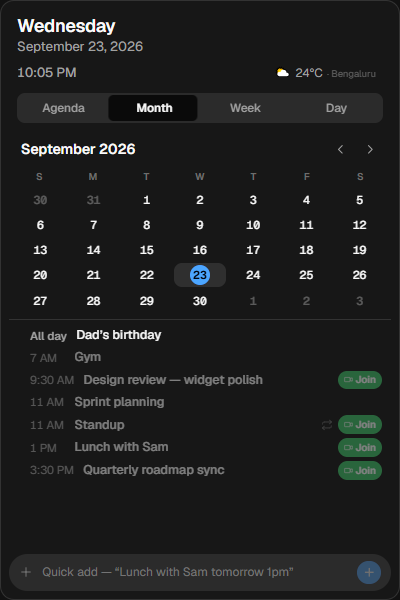
Flat — crisp, opaque, shadcn/ui.
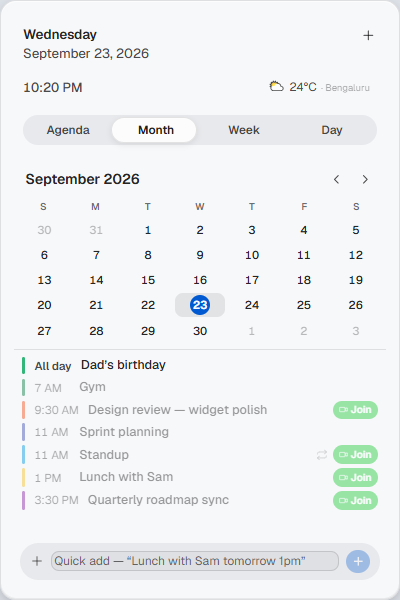
Tahoe — soft, translucent, light or dark.
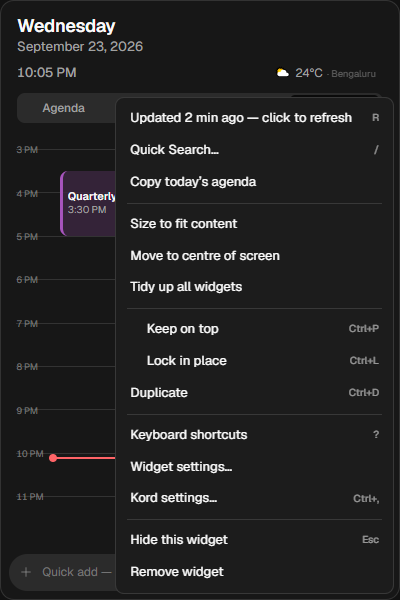
Right-click anything — duplicate, lock, centre, copy today’s agenda.
Build your home screen
A corner stack, a side rail, a dock above the taskbar, one big clock in the middle — widgets snap wherever you drop them. Try it here: choose a placement, add or remove widgets, change the wallpaper.
Click one to try it on the desktop above.
Edge panel
A dashboard, your pinned apps, bookmarks and folders, a full Google Drive manager, an event composer with guests, Meet links and repeats, and the machine’s own controls — eight tabs, one gesture.
Smart Search
Copy text off the screen
A licence key in an installer, an error dialog, a paused video, a scanned PDF that is really a photo. Kord reads the words straight off the screen with Windows’ own OCR — on your PC, nothing uploaded.
The screen freezes and every word lights up. Drag across the ones you want, the way you would in a PDF. Click takes a word, double-click the line, CtrlA everything, Enter copies.
ocrRead the whole screenCopy every word on screen at once, copy one block of it, or save it all as a text file. ocr 2 reads only your second monitor.
Thank you for buying Studio Pro. Your licence key is below.
KX7Q9 M2PLD 8R4TW 3HVNC
This window does not let you select or copy the key.
Order 48213 · Registered to Sam Carter · Valid until 12 March 2027
Press Win + Alt + Space anywhere.
The small things
Every shortcut, one sheet away. CtrlEnter saves whatever you are editing.
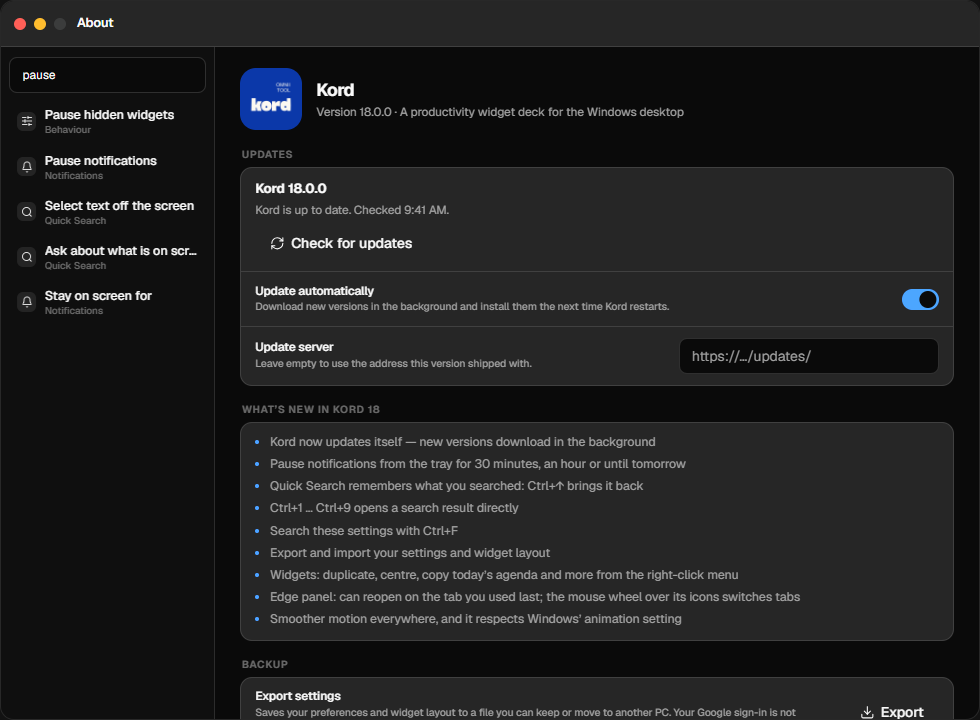
CtrlF in Settings finds the switch you want and lights it up.
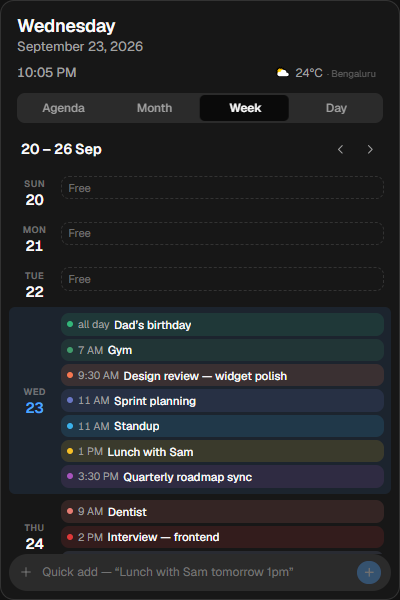
Scroll over a month, week or day to move through it. Double-click the title for today.
Always current
New versions download quietly in the background, are checked before they are installed, and go in the next time Kord restarts — or right away, if you press Restart now. No new installer to find, no settings lost.
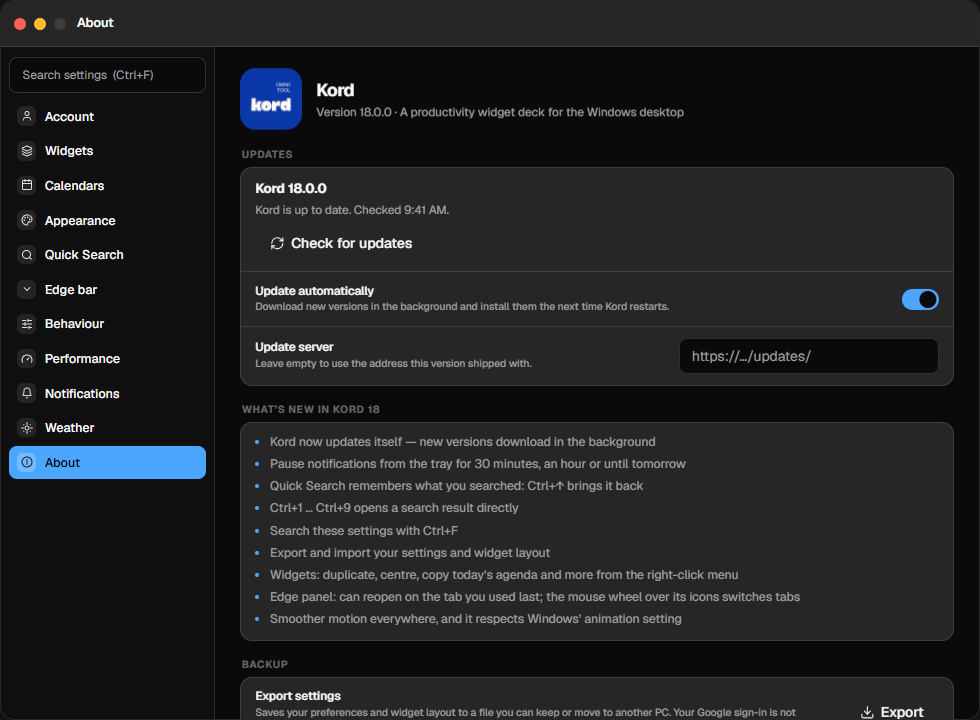
What’s new in Kord 18.1
Every item below is in the app today.
Your files are indexed on your PC. Screen text is read on your PC. Nothing is uploaded unless you choose to ask Gemini.
No telemetry, no tracking. Kord talks to Google only for the calendars, tasks and Drive you connect, and to the update server only to ask whether a new version exists.
Google tokens are encrypted with Windows DPAPI in your own user profile.
Windows 10 or Windows 11, 64-bit. About 250 MB of disk. A Google account is optional — it is only needed for Google Calendar, Tasks and Drive.
Kord checks for a new version shortly after it starts and every six hours. You can turn automatic updates off in Settings → About and check by hand, or from the tray menu.
No. Kord is the new name. The first time it starts, it carries over your settings, widgets and sign-in automatically.
Yes. Settings → About → Export settings writes a file; Import on the other PC loads it. Your sign-in stays behind on purpose.
Right-click the Kord icon in the tray → Pause notifications, for 30 minutes, an hour, two hours or until tomorrow morning.